

Stay Informed

Knowing where you can get reliable information during an emergency is crucial. During a disaster, unreliable websites and social media can have incorrect, out of date, or even false information. It is important to know ahead of time where you will get critical updates about what is going on in the community.
There are multiple ways to stay informed during an emergency. Review them below and click on Integrated Public Alerting & Warning System (IPAWS) to open a drop-down that explains this federally regulated system that can be utilized to alert the community when life-safety is at stake.
- Integrated Public Alerting & Warning System (IPAWS)
The Integrated Public Alerting & Warning System (IPAWS) is FEMA's national system for local alerting that provides authenticated emergency and life-saving information to the public through mobile phones using Wireless Emergency Alerts (WEA), radio, and television via the Emergency Alert System (EAS), and on National Oceanic and Atmospheric Administration's weather radios.
Local jurisdictions have to be certified as an Alerting Authority to be granted access to the IPAWS system. In 2025, the City of Austin became an IPAWS Alerting Authority. This provides the City the capability of alerting within Travis, Williamson, and Hays Counties. This capability was vital to obtain due to city limits spanning across these three counties. Previously, in order to alert within the entire city limits, Austin would have had to rely on county officials from Travis, Williamson, and Hays Counties. By becoming an alerting authority, Austin can issue alerts in all three counties. With access to the system within these counties, this also allows Austin to serve as back-up to assist County officials should they need it. Travis, Williamson, and Hays Counties can assist Austin as well should the need arise.What is a Wireless Emergency Alert?
Wireless Emergency Alerts, or WEA, are sent through IPAWS, such as Amber Alerts and Weather Warnings. In the City of Austin, this is the primary system we use to alert the community of emergencies that are:
Urgent - Protective action needs to be taken immediately or very soon.
Severe - The emergency is causing an extreme or significant threat to life or property.
Certain – Imminent danger has been either observed, meaning someone has seen it occurring, or it is likely, meaning there is a reasonable cause to believe it is more likely than not.
These messages are sent using the cellular service towers to alert phones and some other capable devices like sign boards, smartwatches, tablets, and other services that communicate with the cell towers. Most people will receive these alerts using modern WEA-capable cell phones. More devices are being developed that can use wireless emergency alerts even if they are not cell phones.
Depending upon the phone carrier's network, the message that accompanies an attention-getting tone may be limited to either 360 characters or 90 characters. Those receiving an alert are encouraged to tune into broadcast stations for more information
What is the Emergency Alert System?
Emergency Alert System (EAS) alerts are issued via television and radio. The EAS can be viewed as a scroll along the bottom of the television screen and radio counterpart to WEA. It is most commonly utilized for severe weather situations, amber alerts, and other civil emergencies.
How Do I Get Alerts?
Video shows how to get alerts to your cellular device. The primary way we use this system is to send the WEAs to modern cell phones. Many phones can be alerted and can call out to 9-1-1, even if they do not have an active paid service. In any case, the device needs to be turned on and communicate with a cellular tower. Furthermore, the settings for receiving an alert must be turned on. This is how you "opt in" to get these types of alerts.
Each model of phone has a different way to turn these alerts on. For iPhone, click here to learn how to ensure they are on. For Google/Samsung/Android devices, click here to learn how to make sure your alerts are on. Other devices may be different, so search "turn on wireless emergency alerts" along with the name of your device to find the settings for any other cell phone device type. More information on this process based on device and carrier is below and may help.
When we send out an alert, we define the area that is to be alerted. We will usually make the area as big as possible to make sure we alert those who are in the area of danger but also those moving toward it. Most disasters will result in us alerting the entire City unless it doesn't make sense to do so. If WEA is enabled, you will receive the emergency alert. If you are outside of the designated area, you will be alerted when your device enters the identified alert area.
Are There Times I Might Not Get the Alert?
Yes. The following situations might cause you not to receive the WEA on your mobile device.
Your device isn't capable, or WEA isn't turned on. (Call your phone provider for advice).
Your device may not have been programmed to do two things at once. Some models won't alert you if you are on a phone call or if data usage is active (like streaming a video or surfing the web).
Your device may have been connected to a tower site that was not in the alert zone. We try to define the alert zone larger to provide adequate coverage without being unreasonable in the number of people being disrupted.
Your device had poor wireless coverage. This could be caused by being indoors in a large building with concrete walls.
Do I Have to Be on My Carrier's Network?
No. WEA is enabled to roam onto your carrier's competitor's towers.
If I Travel Away from The City of Austin, Will I Get an Alert?
No, not from the City of Austin; however, because WEAs are based upon geographical cellular tower locations, you will only receive alerts while connected to a cell tower that was identified to receive the alert by the alerting agency.
As an example, if you live in Austin and travel to San Antonio, you will get emergency alerts if San Antonio sends one out. While you are there, if we send an alert out regarding an incident in your neighborhood, you will not receive the alert (because your device isn't physically in the alert zone).
If you want to receive alerts for locations in the City of Austin while you are not here, like for your home, work, school, or a family member's house, then sign up for Warn Central Texas (WCT). It will alert your device to let you know of an incident, even if you aren't there. This is one of the major reasons we encourage everyone to sign up for WCT and enable WEA on their phones. They complement each other well and serve as a backup to each other because they use different technologies to get alerts to you.
Are WEAs the Same as Warn Central Texas Alerts?
No, Warn Central Texas (WCT) is Central Texas’ FREE subscriber-based alerting system. WCT allows community members to sign up to receive emergency and community alerts and important weather notifications on their cell phones, work phone, home phone, text message, and e-mails. Subscribers will receive notifications issued by the City of Austin and other partners of the Capital Area Council of Governments (CAPCOG) about emergencies that may affect their home, their parent's home, their workplace, and any other location important to them in the Central Texas area. In order to ensure you receive alerts relevant to you, we highly encourage registering and customizing the types of alerts you wish to receive. CAPCOG also purchases data and performs mass opt-ins. There are over 1.3 million contacts within the Austin city limits.
Major Mobile Carrier Resources
Below, we are providing links to pages made by the major cell phone providers related to WEA as a convenience. We do not endorse any carrier's service over another. We are only providing these links as a matter of convenience to those representing the biggest portion of the consumer marketplace.
Mint Mobile utilizes T-Mobile’s network. If you are a Mint user, check T-Mobile’s information above.

| Social MediaFollow @AustinHSEM on Facebook and X (formerly Twitter) and Austin.HSEM on Instagram to stay informed on everything from preparedness messaging, imminent and active weather events, and emergencies. Content is available in English and Spanish. | 
| Local MediaAEM provides information to media outlets. Tune to your preferred local news station in an emergency for up-to-date emergency information. | |||
| Broadcast Emergency Alerts System (EAS)AEM can activate the Emergency Alerts System (EAS) through local radio stations. When activated, local radio stations will play the alert tone followed by the EAS message. News Radio KLBJ 590 AM/99.7 FM is the City's designated EAS activation station. | 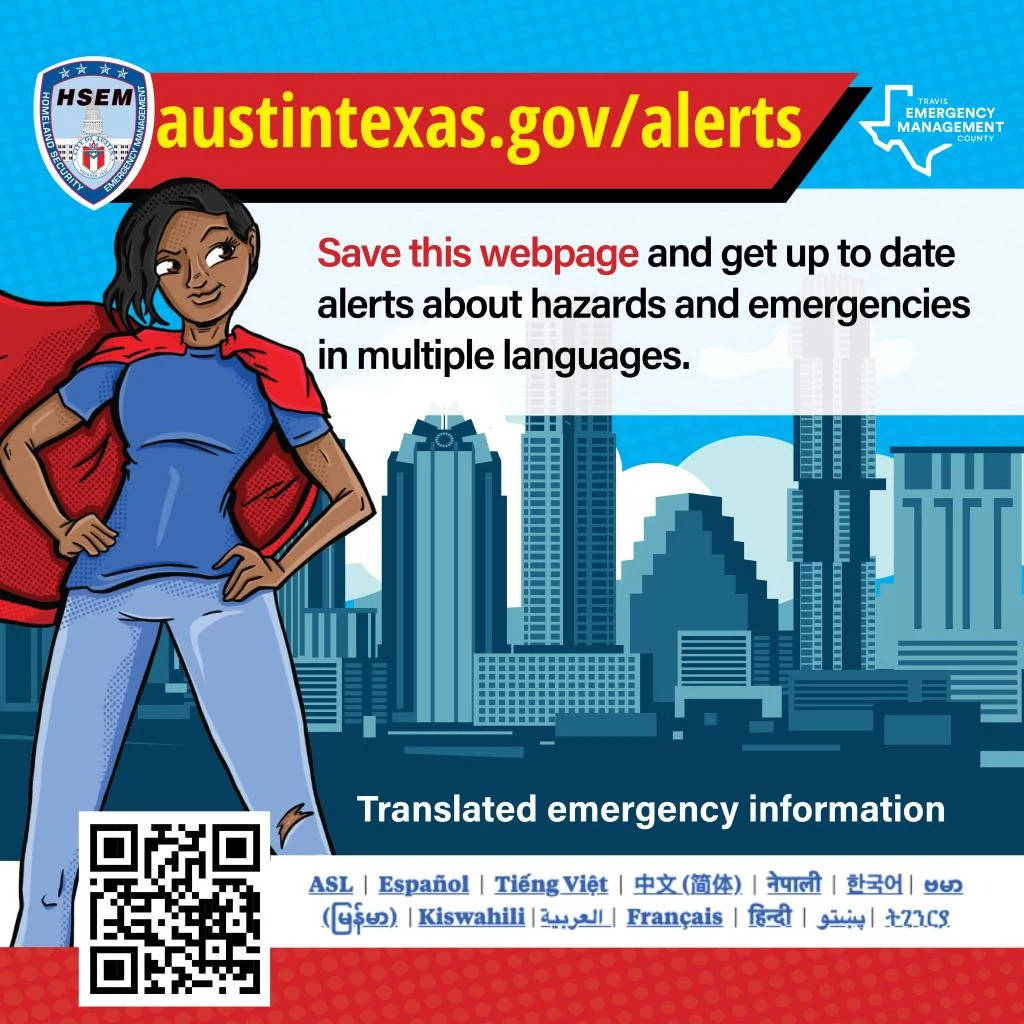
| Emergency Alerts Webpage: Critical Information in 14 LanguagesDuring emergency or disaster, the Emergency Alerts webpage, located at www.austintexas.gov/alerts, will house official up to date information from the City of Austin and Travis County in 14 languages. These messages will include immediate actions to take to stay safe during an emergency. Bookmark the Emergency Alerts webpage to make it easy to find during a crisis. | |||
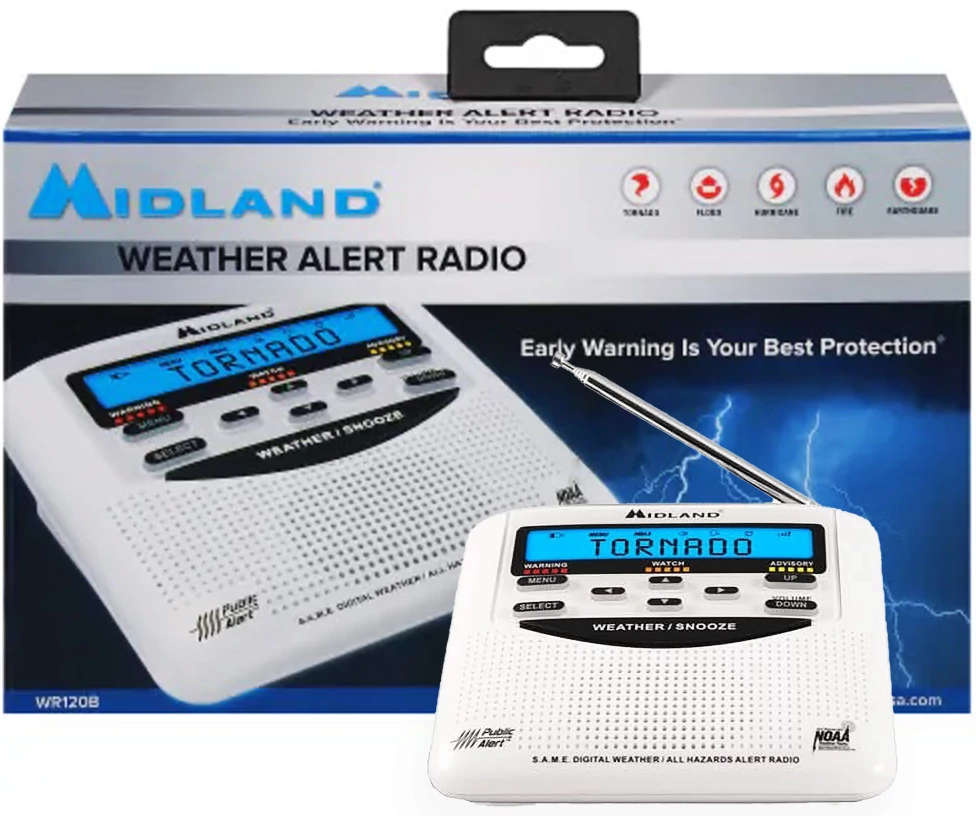
| NOAA Weather RadiosA NOAA Weather Radio can provide alerts and broadcast important information regarding severe weather that can give you the lead time needed to take necessary precautions. The National Oceanic and Atmospheric Administration (NOAA) is a science-based federal agency within the Department of Commerce with regulatory, operational, and information service responsibilities with a presence in every state. Learn more. | 
| Warn Central TexasThe Capital Area Council of Governments uses a regional notification system (RNS) as a crucial public safety tool. Warn Central Texas covers a 10-county region to include: Bastrop, Blanco, Burnet, Caldwell, Fayette, Hays, Lee, Llano, Travis, and Williamson. Register here to receive emergency notifications from your local emergency response team. Be among the first to receive critical community alerts regarding natural disasters, weather warnings, evacuation notices, bio-terrorism alerts, boil water notices, and missing child reports. | |||
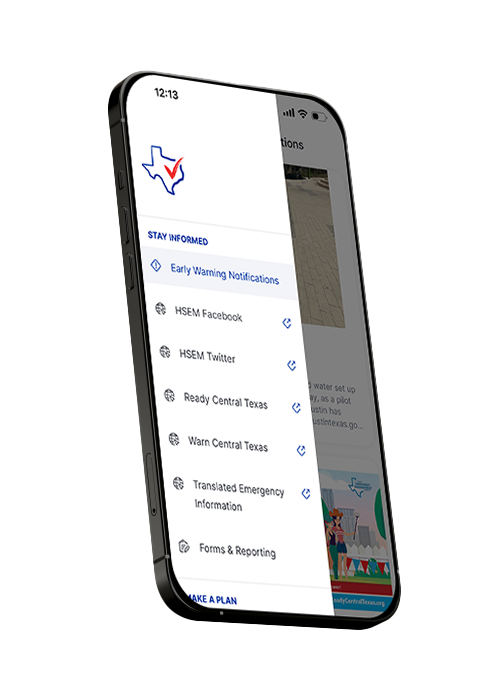
| Ready Central Texas Phone AppAustin Emergency Management partnered with Travis County Emergency Management to develop the Ready Central Texas app for mobile devices. This app is utilized as an emergency preparedness app with updates and news regarding warnings, various preparedness resources, emergency plan checklists, a document library, and more. The Ready Central Texas app provides:
The app is available on Android and Apple devices and free to download and use.
| 
| Accessible Hazard Alert System (AHAS)Austin Emergency Management and the Travis County Office of Emergency Management have partnered with Deaf Link to launch the Accessible Hazard Alert System (AHAS) for Deaf, Blind, Hard of Hearing, or Deaf and Blind community. Austin and Travis County AHAS subscribers receive an accessible message in American Sign Language, and English voice and text. The alert message will include information about the emergency and what actions to take. AHAS can send accessible alerting messages to registered residents before, during, and after an emergency or disaster in Travis County. When an emergency alert or other information is sent through the AHAS program, users will receive accessible alert messages on internet and video capable devices such as computers, cell phones, smart phones, tablet computers, and wireless Braille readers. Register for these alerts at https://atc.ahasalerts.com/ or by texting AHAS to 737-241-3710. |


Newsletter
Join Austin Emergency Management's mailing list for our quarterly newsletter to stay up to date on what's going on in our department. We will also be sending news alerts as needed during emergencies. Sign up today!
- January 2024 Newsletter
Check out our online January Newsletter.
Topics:- Weather Update
- Don’t Miss a Thing, Stay Informed!
- Prepare for Winter Now
- Warming Centers
- Cold Weather Shelters
- Shelters for Families with Children
- Multi-Agency Resource Center
- Helpful Links and Websites
- Upcoming Events
- August 2024 Newsletter
Check out our online August 2024 Newsletter.
Topics:- Extreme Heat Preparedness
- Water Safety Recommendations
- Are You Prepared for Hurricane Season?
- Austin Energy Outage Preparedness
- Wildfire
- New promotional video series: “No Power. No Problem.”
- Upcoming Events
- AEM Announcements
- October 2024 Newsletter
Check out the October 2024 Newsletter.
Topics:- Flooding Preparedness
- Upcoming Events!
- AEM Announcements
- January 2025 Newsletter
Check out the January 2025 Newsletter.
Topics:
- Winter Weather Preparedness
- Upcoming Events!
- AEM Announcements
- Don’t Miss a Thing, Stay Informed!
- April 2025 Newsletter
Check out the April 2025 Newsletter.
- Wildfire Preparedness
- Upcoming Events!
- AEM Announcements
- Don’t Miss a Thing, Stay Informed!
- July 2025 Newsletter
Check out the July 2025 Newsletter.
- Flooding Preparedness
- How to get involved?
- Upcoming Events!
- Don’t Miss a Thing, Stay Informed!
- January 2026 Newsletter
Check out the January 2026 Newsletter.
- Prepare for incoming winter weather!
- April 2026 Newsletter
Check out the April 2026 Newsletter.
- Wildfire Preparedness
- Upcoming Events!
- Don't Miss a Thing, Stay Informed!